

Test the MFA Challenge Widget
Test in sandbox
Use the Aerobank test bank, non-OAuth. The test runs in two parts.
Part 1: Link the test bank
-
Launch the widget, search for Aerobank, and select Aerobank NonOAuth.
-
Sign in with username
syncand passwordmfa_trigger. Select Continue.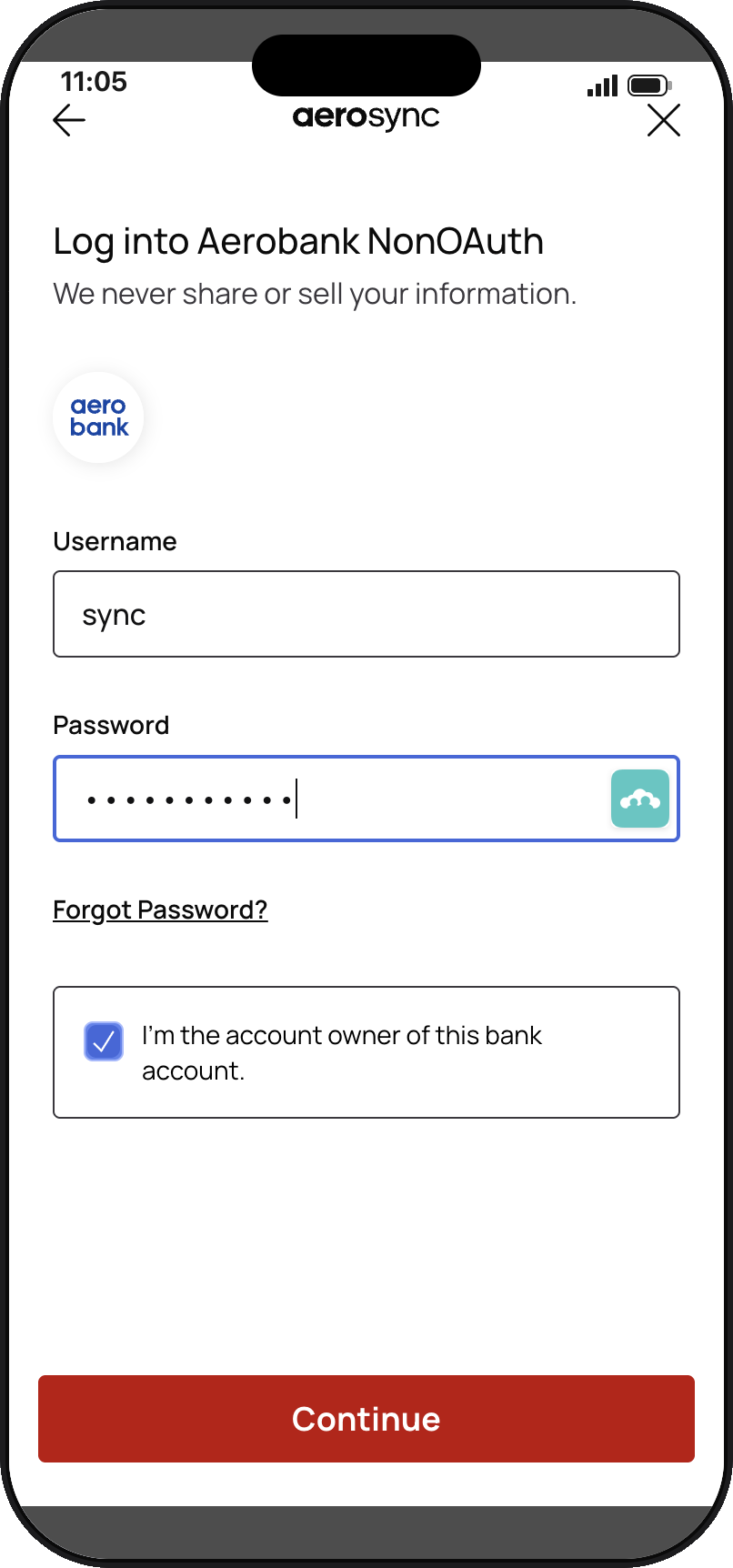
-
The bank asks "What city were you born in?" Enter
correctand select Verify details.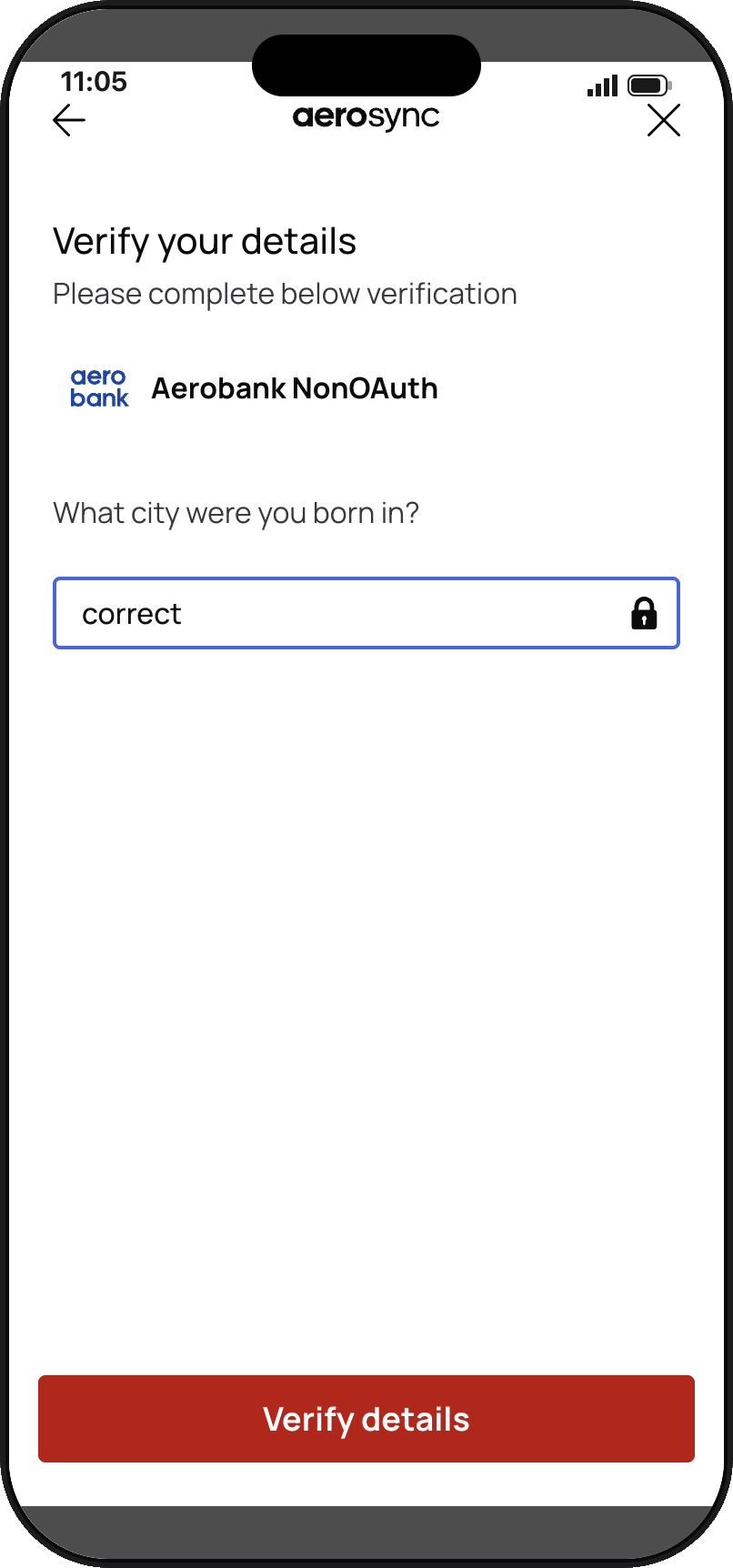
-
Select an account and select Continue.
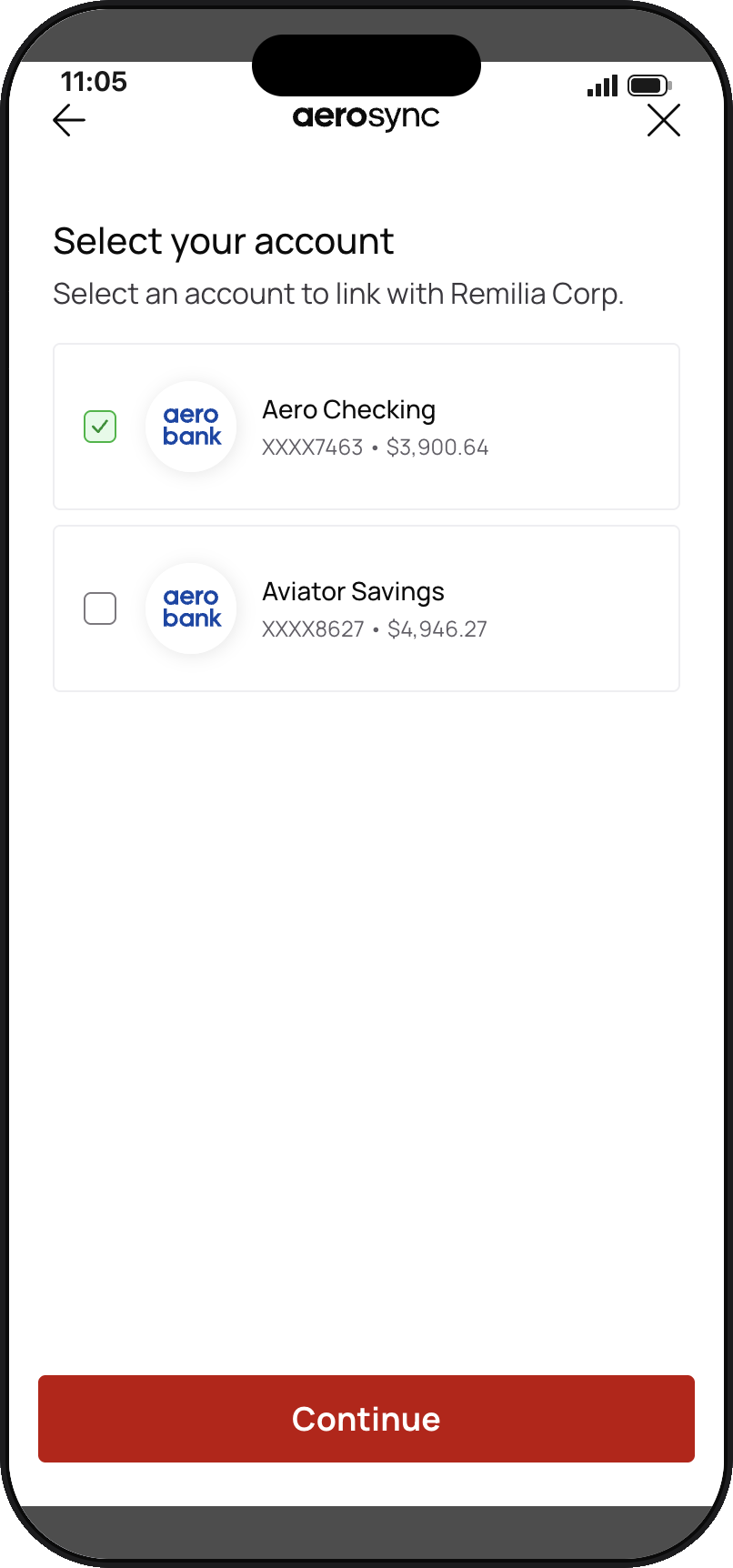
-
Select Continue to your merchant name. The widget closes and
onSuccessreturns theconnectionId. Store it.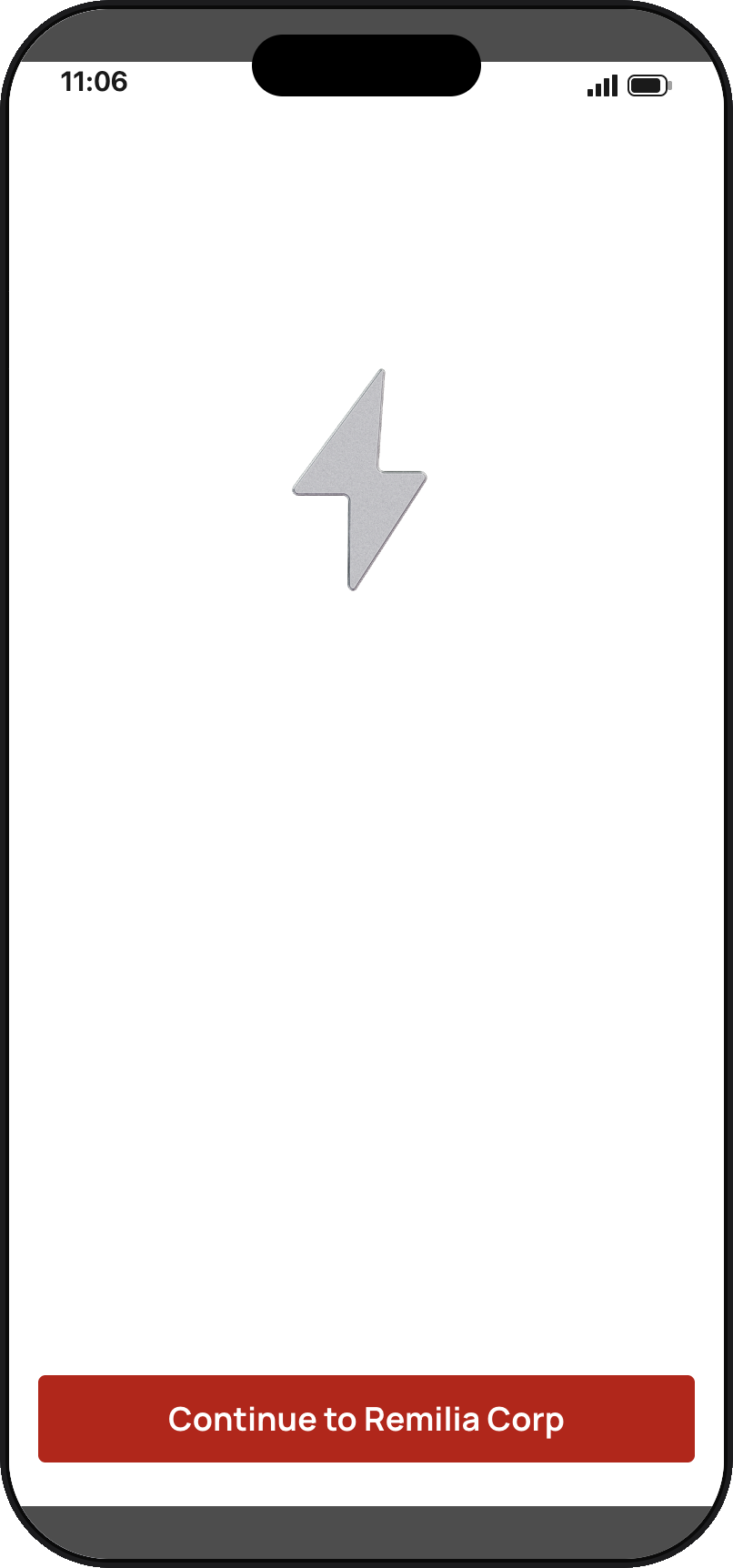
Part 2: Trigger and answer MFA on a data job
- Create any data job on that
connectionId: identity, balance, or transactions. Within a few seconds, the job reachespending_mfa. - Relaunch the widget with
handleMFA: true, thejobId, and theconnectionId. The widget opens on the same question. - Enter
correctand select Verify details. The job moves tocompleted.
To test a timeout, stop after step 6 and wait 5 minutes. The job moves to failed.
Updated about 1 hour ago
Did this page help you?